CHEF!
September 17, 2026 CHEF! Day 5
Iteration 59
Share
How to Play
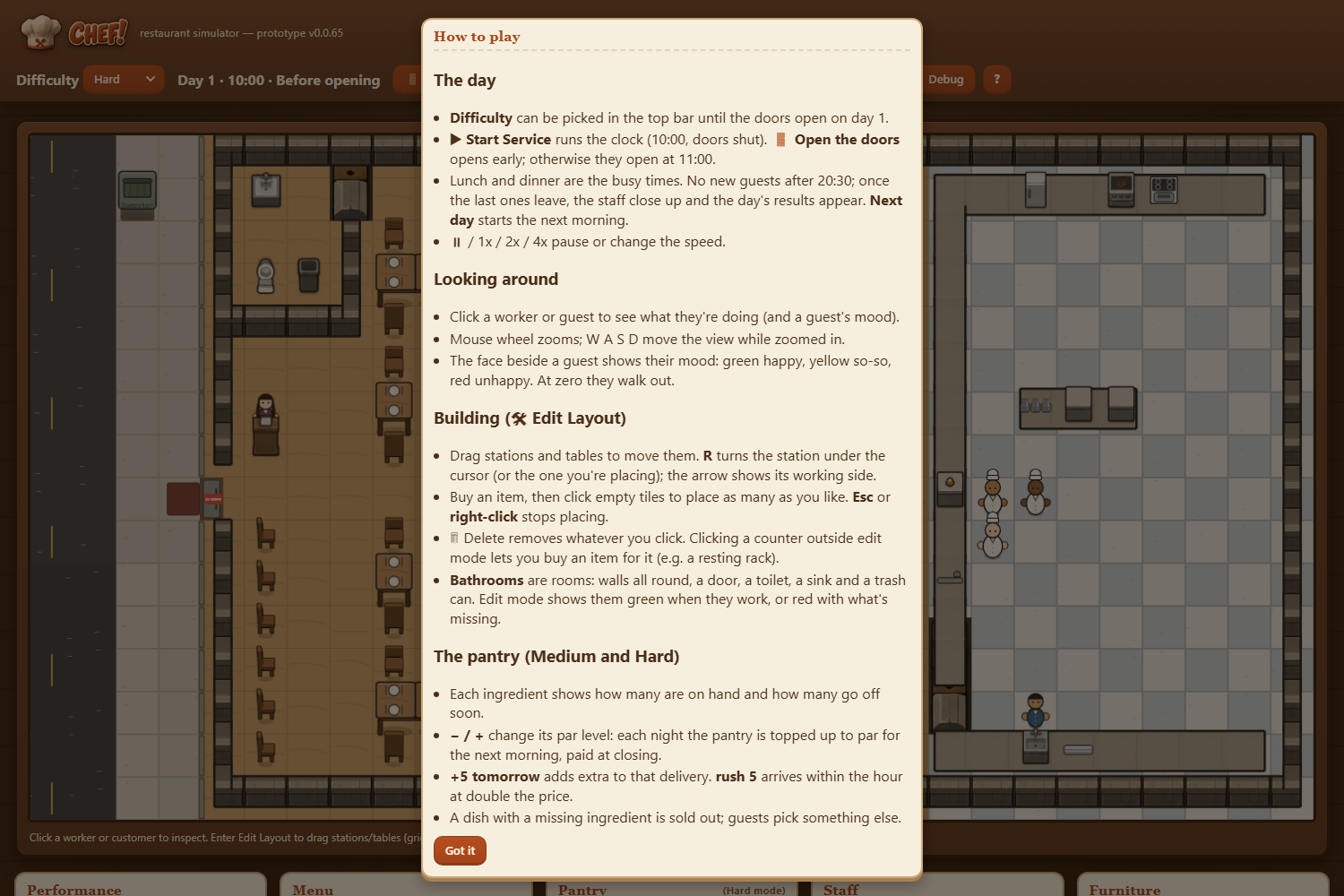
- A "?" button in the top bar opens a How to play panel. It covers the day (difficulty, opening the doors, rushes, closing, the next day), looking around (inspecting, zoom and pan, the mood faces), building (moving, R to turn, placing and stopping with Esc or right-click, deleting, counter items, and what makes a bathroom), and the pantry buttons.
- Esc, "Got it" or a click outside the panel closes it, and index.html#help opens the game with it showing.
- Hovering over the numbers in the Pantry and on the end-of-day results now explains what each one means.
- The screenshot shows the How to play panel over the restaurant before opening.
More from CHEF! ·
See this in the live feed