Sprite Manager
September 16, 2026 Sprite Manager Day 2
Iteration 12
Share
Clear pass/fail conditions for judging walk frames (v0.17.3–v0.17.6)
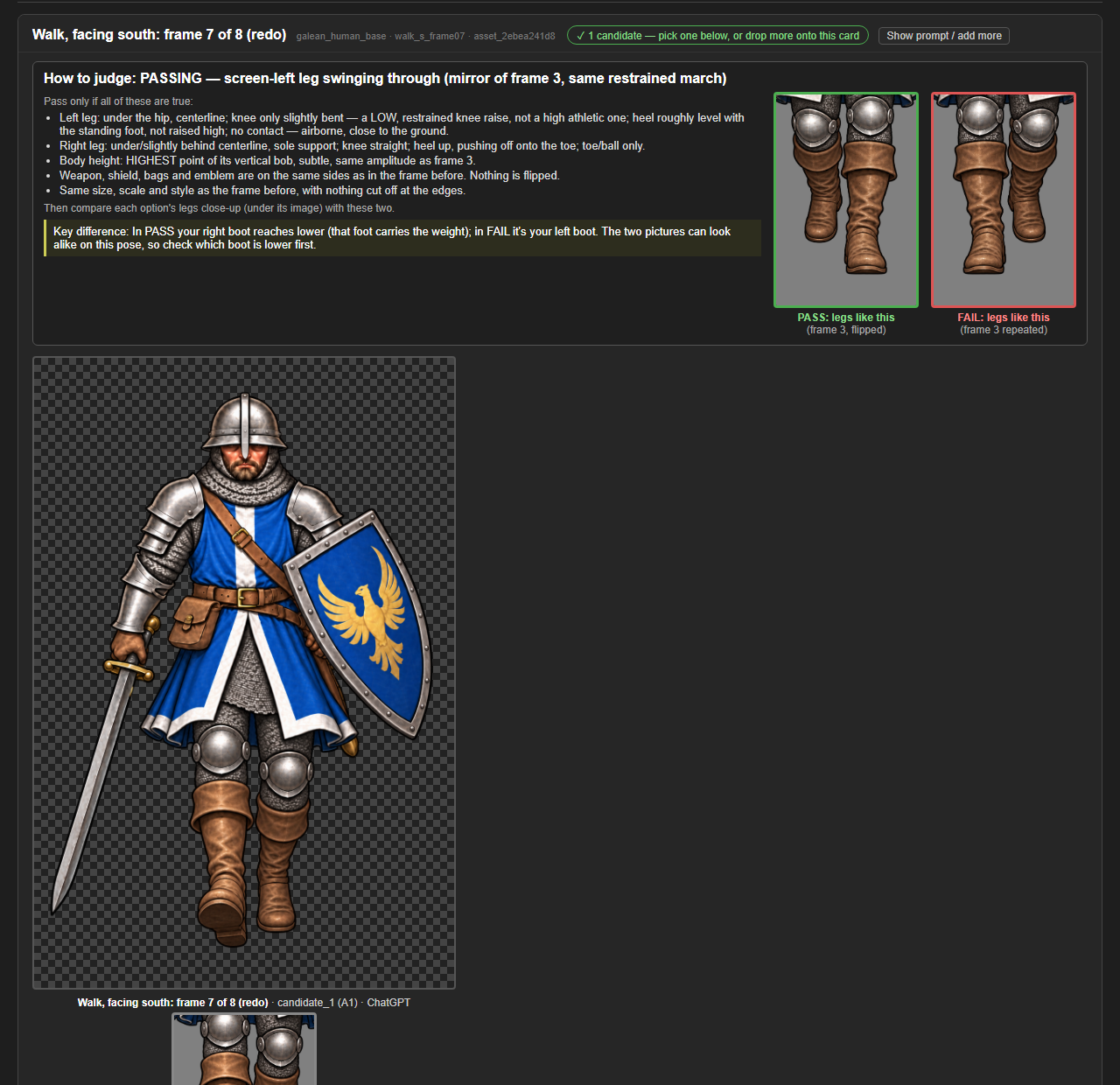
- Each walk frame waiting for review now has a "How to judge" panel: the target pose in plain words, and checks for gear sides and canvas size.
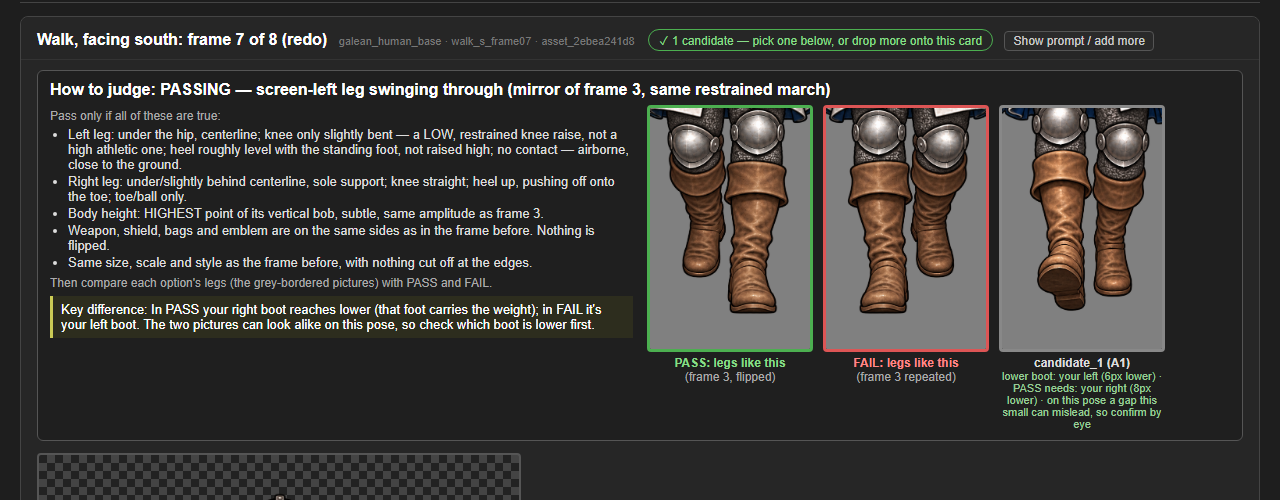
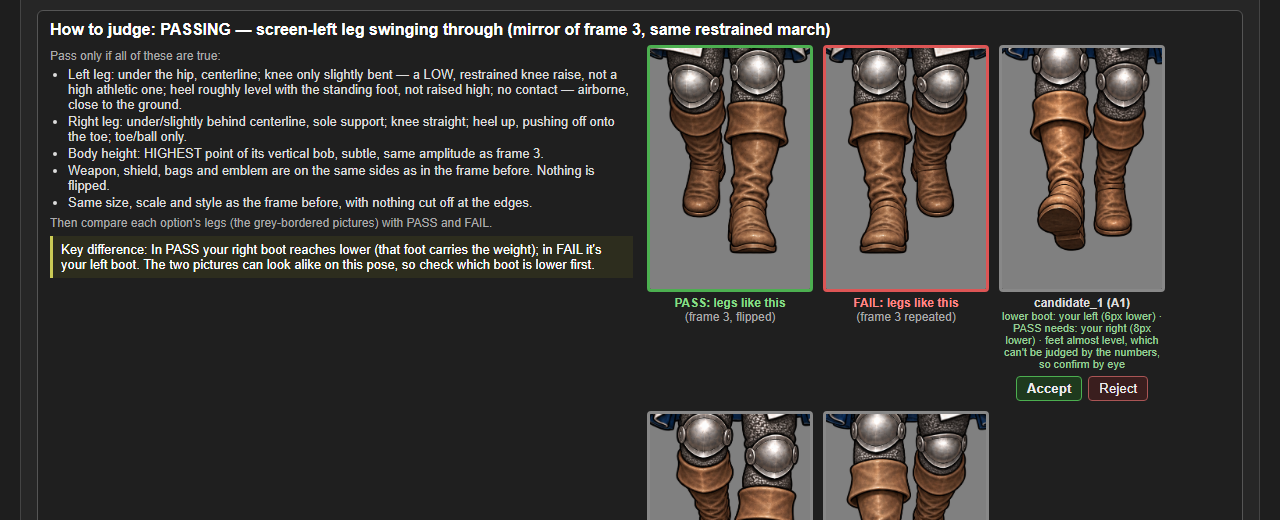
- For the second half of the walk, it also shows a PASS picture (the legs as they should be) and a FAIL picture (the earlier frame's legs repeated), plus a close-up of each option's legs at the same scale and a one-line key difference: which boot should be the lower one.
- Each option's legs sit in the same row as the PASS and FAIL pictures, with its foot reading underneath, so the comparison is side by side, with Accept and Reject right there.
- Every left and right is spelled out as the side of the screen and the soldier's own side ("screen-left (the soldier's right)"), since a soldier facing you has them the other way round.
More from Sprite Manager ·
See this in the live feed